

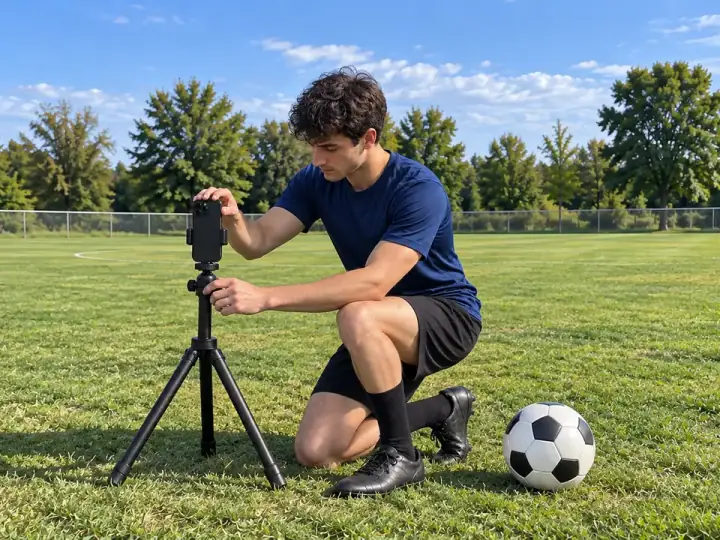
Set up your phone
Put your iPhone on a stable stand around knee height. Portrait for juggling, landscape for wall passes.
Touches: Soccer Juggle Counter is an iPhone app from Pitch Planner. Prop up your phone, start juggling or passing against a wall, and Touches keeps count while you keep your eyes on the ball.
No sensors, no wearables. Your iPhone camera and a ball are all it takes.
Put your iPhone on a stable stand around knee height. Portrait for juggling, landscape for wall passes.
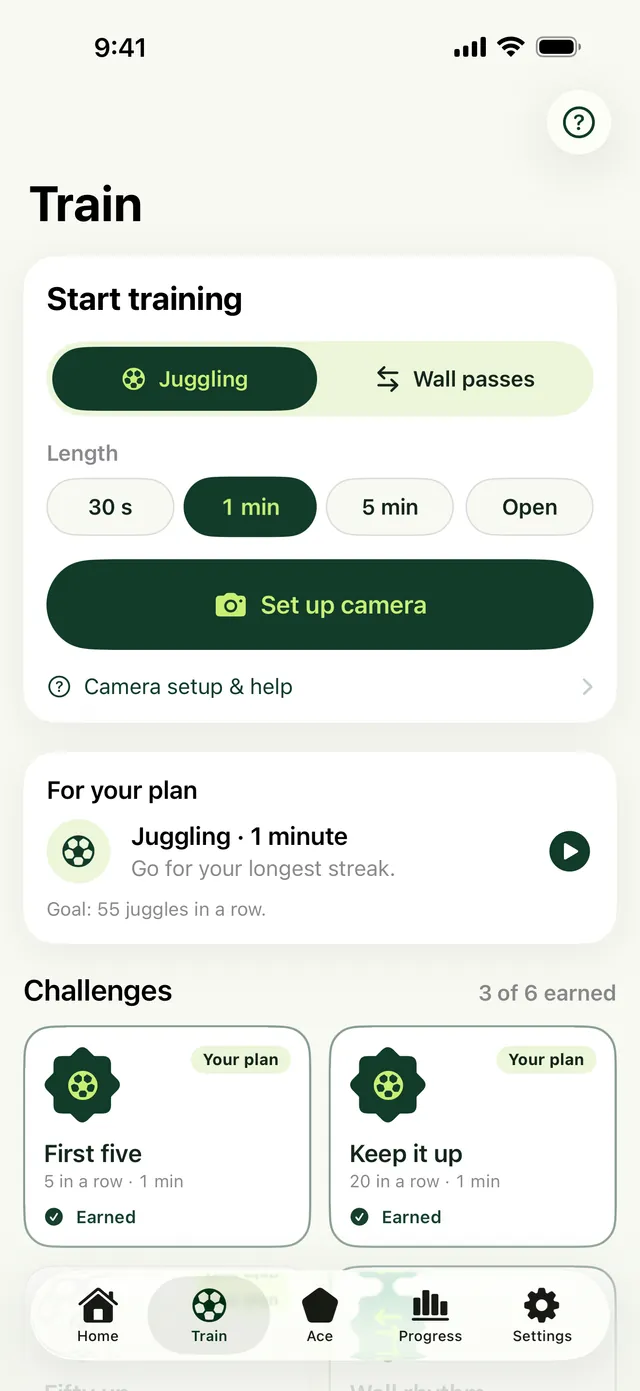
Choose juggling or wall passes. The live view shows when the ball and your feet are in frame.
Keep your eyes on the ball while the count climbs, then save the session and follow your progress.
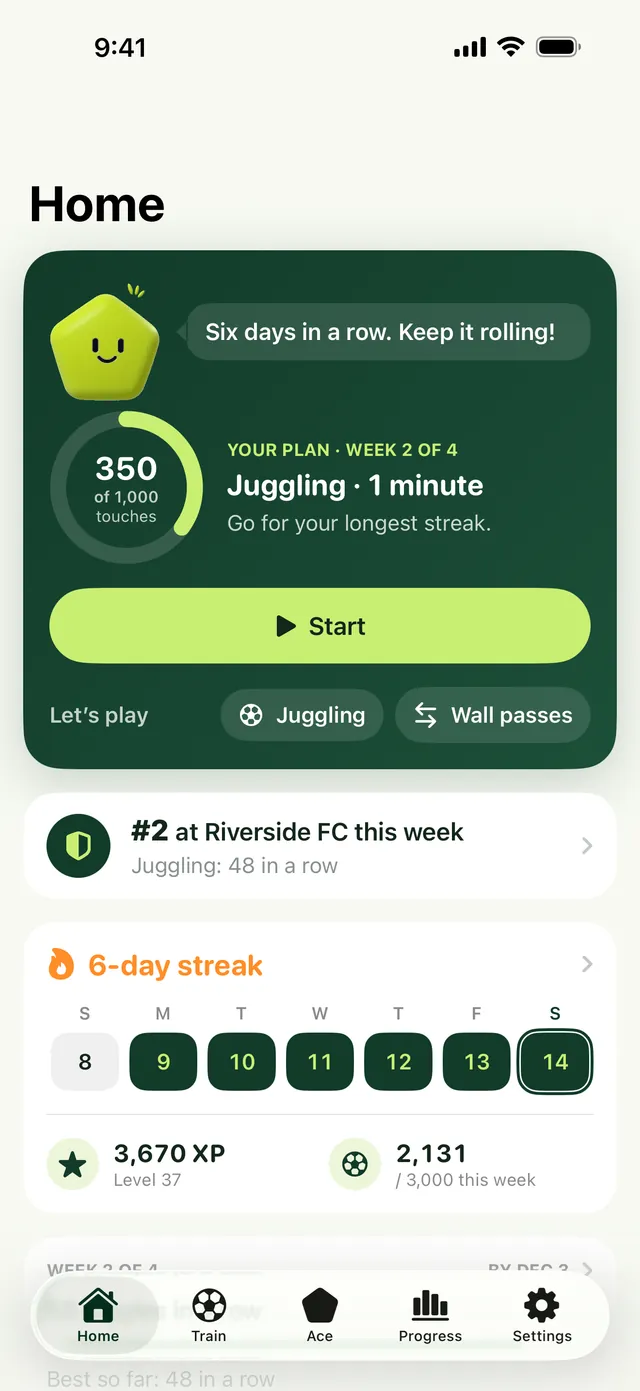
Five clean touches. Then ten. Touches counts your consecutive juggling streak. A ground contact ends the streak; your session can keep going.
A ball, a wall or rebound board, and space to receive the return. Touches follows the kick, the rebound and the return to count completed passes.
Sessions, touch goals, personal bests and practice streaks, with XP for a little extra momentum. Your own history is the comparison that matters.
Live frames are processed on the phone and discarded. No video, photos or body coordinates are saved.
No sign-up, email or age question. Progress syncs through your own iCloud, and Clubs use an anonymous name.
A count helps you compare sessions. It can’t tell the whole story of your technique, and we say so.
Our team sets up your club’s board and gives you a code. Players join with it, appear under an anonymous name like Striker 4821, and choose which scores to share. Separate juggling and wall passing boards keep the challenge focused on practice.
Best consecutive streak
Illustrative names and scores.
Live juggling and wall pass counting, personal bests, goals, streaks and XP. Start with one free 30-second practice session, then a three-day free trial for eligible new subscribers.
Compare monthly and annualUS prices. The App Store shows your local price before you subscribe.
Touches focuses on juggling and passing against a wall or rebound board. It does not count all dribbling, match play or every contact you make with a ball.
No. Live camera frames are processed on your iPhone and discarded. No video, photos or body coordinates are saved or uploaded. Your practice history stays on your iPhone and, if you use iCloud, in your own private iCloud. Optional ball-path diagrams contain ball positions, never images.
No accounts. Touches has no sign-up, email address or age question. Your progress syncs through your own iCloud, and in Clubs you appear under an anonymous name like Striker 4821. See the privacy policy.
Pick a goal you can work toward with controlled technique. There is no established universal daily touch number. Read our guide on how many touches per day.
Touches is on the App Store for iPhone in the United States and Canada. The Get Touches page has the download link.
The current app is for iPhone. This website provides product information and practice guides; it does not run a live camera counter.
Count juggles and wall passes with your iPhone and watch your practice add up.
Available on the App Store. Live camera processing stays on your device.

Answers from the Touches team. No AI.
Every question
Matching questions


